Gear Review // GoRam (Gigaram) CFexpress cards: cheap CFexpress cards for photographers?
64gb and 128gb CFexpress cards for $58 and $98… too good to be true?

64gb and 128gb CFexpress cards for $58 and $98… too good to be true?
6/25/2021 Update: Looks like the brand has been renamed to GoRam from GigaRam, but it still sports the same design and ‘gr’ branding. Everything in the review below should still apply to GoRam CFExpress cards.
CFexpress cards are the hot new memory card on the market and with the latest batch of high end cameras from Canon (R5, 1DX MkIII, C300 MkIII, C500 MkII), Nikon (Z6 ii, Z7 ii, D6), and Panasonic (S1, S1R) featuring a CFexpress (Type-B) slot, the demand for CFexpress cards is rising and fortunately we have some options, unlike the outgoing XQD format.
Unfortunately, compared to the SD cards many photographers are accustom to, CFexpress cards are significantly more expensive. For those photographers upgrading to one of the aforementioned mirrorless bodies, from a Nikon D750 or Canon 5D Mark IV, and want to take advantage of the security of a dual card slot body, adding a couple CFexpress cards is essential. With prices averaging around $100-$150 for 64GB and $165-$200 for 128GB CFexpress cards from the major brands, it can be incredibly expensive to stock up on a few cards. But perhaps there’s a cheaper option... Enter the Gigaram CFexpress Type-B memory cards.
Buy @ Amazon
Gigaram 64GB CFExpress Card, $58 @ Amazon
Gigaram 128GB CFExpress Card, $98 @ Amazon
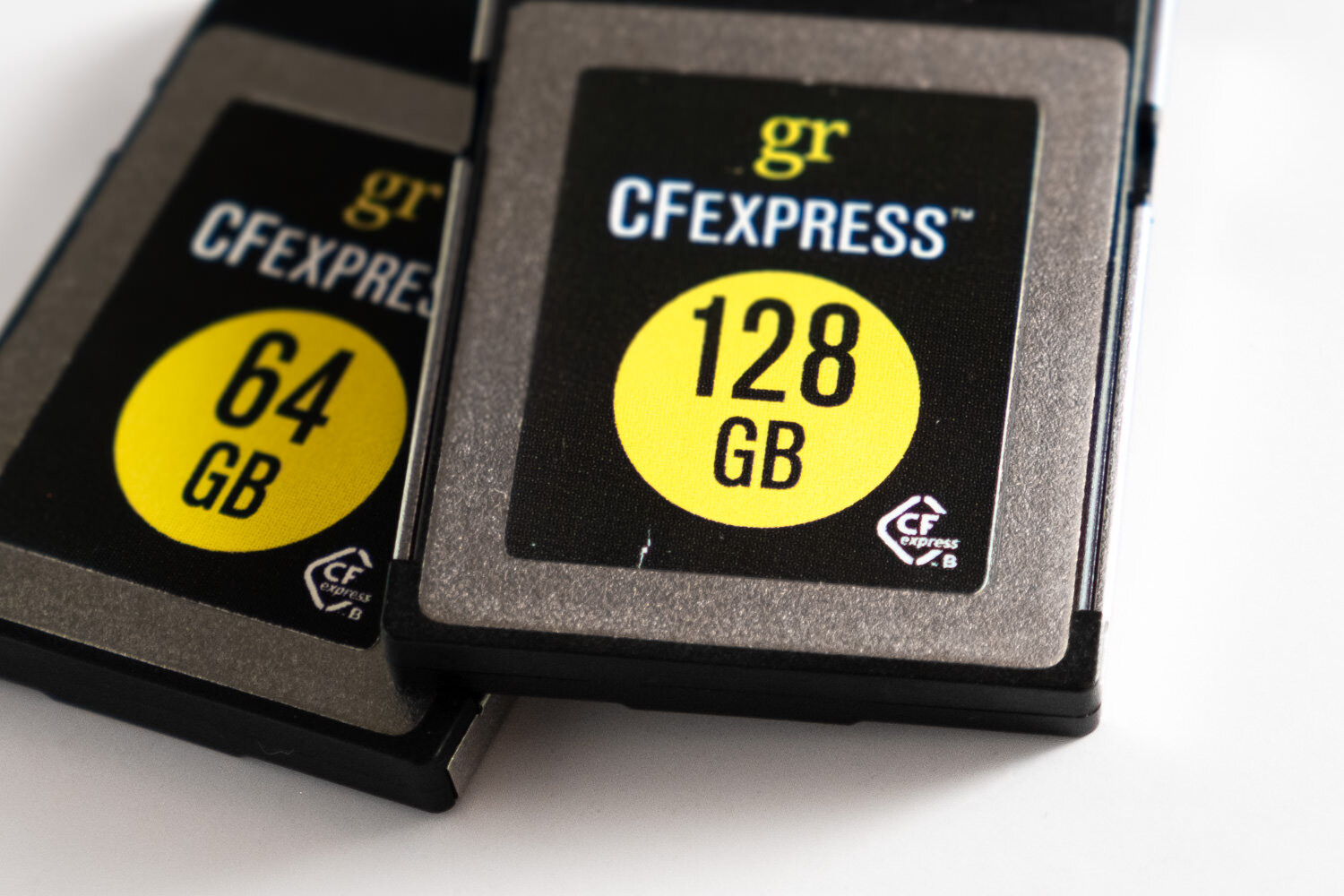
What is CFexpress?
CFexpress is the evolution of the formerly popular CompactFlash format. Using faster technology (PCI-express and NVMe) it allows these new memory cards to read/write significantly faster to keep up with the demands of incredibly large, high bitrate, video footage. CFexpress comes in three form-factors, Type A, Type B, and Type C. For this review, we’ll be focused on Type B which is the same size/shape as XQD cards used in select Nikon, Sony, and Phase One cameras from 2012-2018.
Who is Gigaram?
To be honest, I’m not entirely sure. Their website hasn’t been updated since 2005, the last article mentioning them is also from 2005 in an Anandtech article, and it appears to be the house brand of OEMPCWorld, a store based in Santa Clara, CA. Despite that, there’s plenty of lesser known brands in the computer chip/memory industry and their lack of presence in the consumer market isn’t necessarily a bad thing.
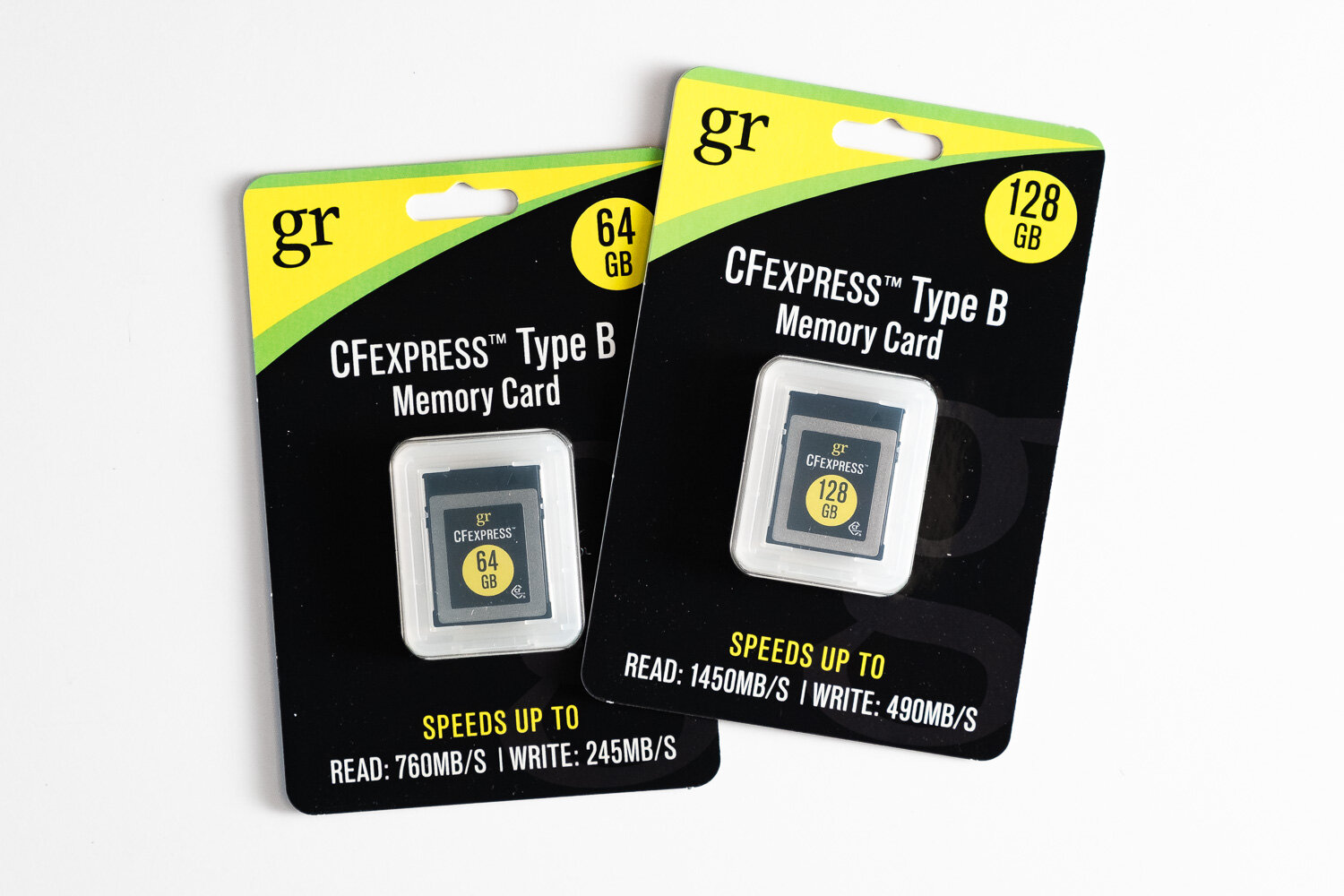
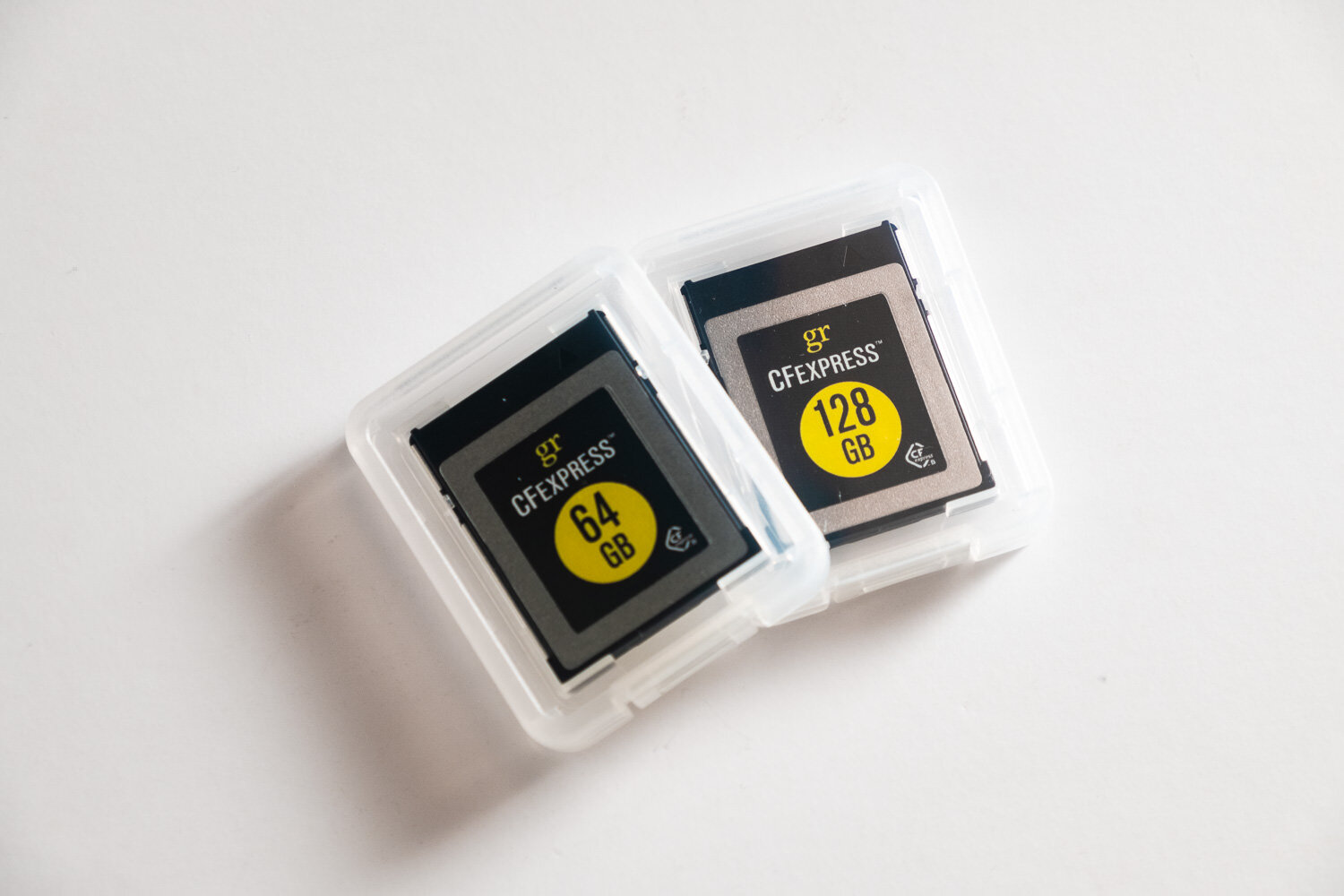
Initial Impressions
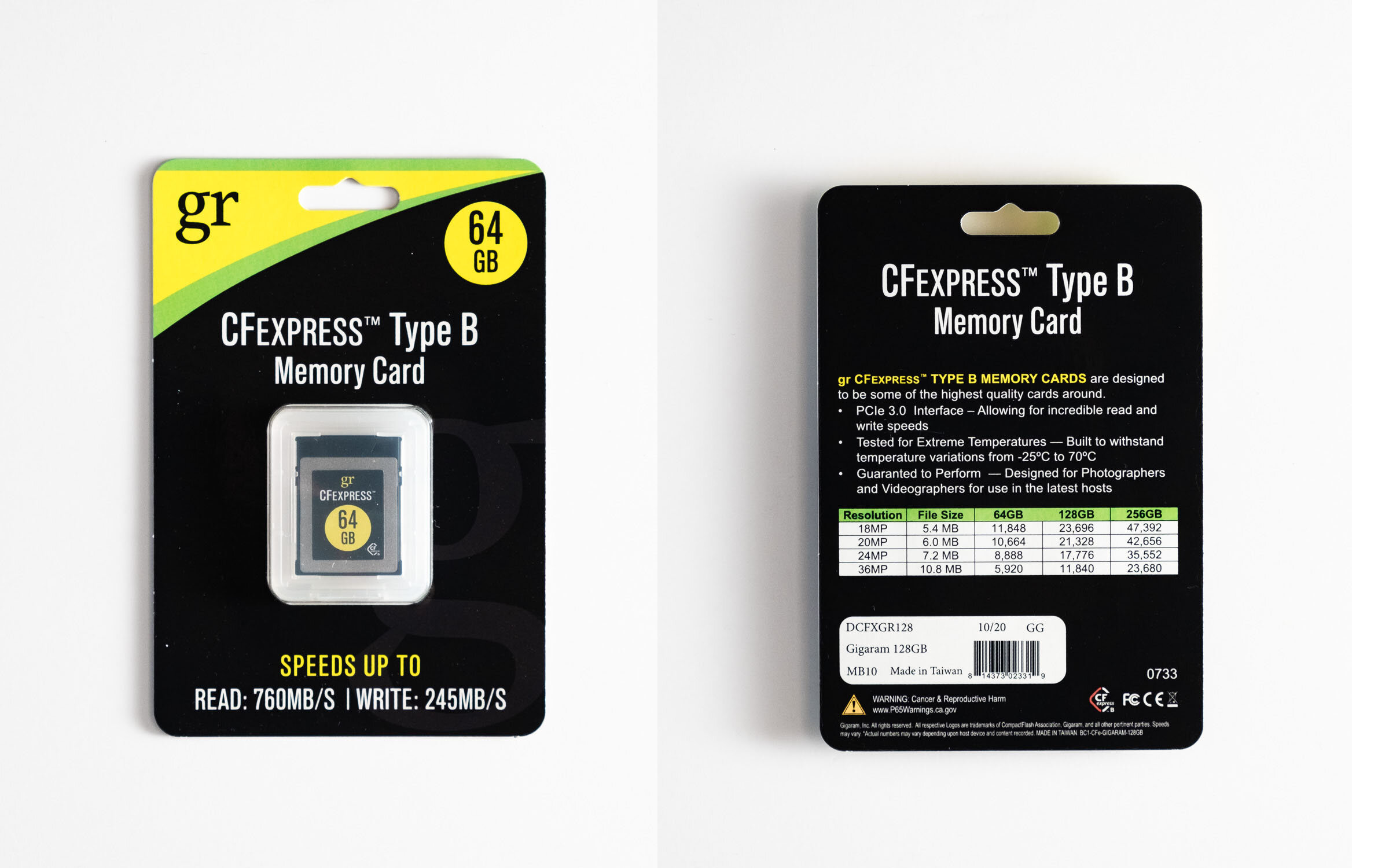
Nothing spectacular on the packaging or branding. The cards come in a basic paper blister packaging and a clear plastic card case. Advertised speeds are considerably lower than its competitors but is still significantly faster than most SD cards and are similar in speed to the outgoing XQD cards. The cards appear as well built as the Delkin and Sony offerings.
Performance

Gigaram CFexpress cards. How does it stack up?
As far as general usage goes. They work perfectly fine in my Nikon Z6ii through the handful of sessions I’ve used them on and throughout testing out the Z6ii. Buffer clears pretty quickly and as far as I can tell I haven’t had any instances where I wish they were faster. Memory card speed isn’t a very important factor when it comes to stills. Given I’d be always be shooting to both a CFexpress and an SD card, the SD card will likely be the bottleneck in terms of speed far before a CFexpress card, even these slower ones, would be.
It’s difficult to thoroughly and objectively assess the performance of memory cards. For the sake of comparison, I’ve tested both memory cards, as well as a Delkin and Sony brand CFexpress card and a couple of SD cards AmorphousDiskMark to assess their maximum read/write capabilities. It’s worth noting these synthetic tests aren’t a be-all-end-all test but they do provide some form of analytical metric for those who like hard statistics/numbers such as myself.

AmorphousDiskMark speed test results (SEQ1M QD1)
The test results show four tests for both write and read. The most important metric for the application of these cards is the 2nd row, SEQ1M 1QD, which is a larger sequential write by 1 client, which would be the camera writing one image file. I’ve also run the test in two different sizes; 5x 1GiB and 9x 32MiB. This is effectively equal* to writing and reading a 1GB file 5 times and a 32MB file 9 times. I chose the 32MiB test to replicate writing the average 24-30 megapixel raw file that comes in around 20-40MBs.
*GiBs and GB, and MiB and MB, aren’t 1:1, but it’s close enough for the sake of this test.


The takeaway from this test is all of the CFExpress and XQD cards are significantly faster than the majority of the SD cards still photographers are using. Also worth mentioning is how egregiously generous Gigaram was on their speed claims. The 64GB claims up to 245/760MB/s write/read and the 128GB claims up to 490/1450MB/s write/read but in my tests managed only ~230/550MB/s and ~165/700MB/s on the 64GB and 128GB cards, respectively. I’m impressed how close the 64GB write speed tested to the claimed performance and the lower read speed isn’t too far from the major brand CFexpress cards and ultimately will make very little difference in my workflow.
Conclusion
In short, the GoRam/Gigaram CFexpress cards seem to be great options for photographers as their lower performance, compared to the competition, will make little to no difference in use. If you’re a videographer recording super high-bitrate 4k or 8k, you might need to look elsewhere for a faster card, but for the price it might be worth trying.
If you’re a professional photographer shooting events, you absolutely should be using both slots as redundancy to protect yourself from data failure. In this case, these cards are a great option as having a backup is better than no backup at all. In the world of data storage, two is one and one is none. I can’t speak to their reliability but until I have a failure of any sort I have no reason to think they won’t be reliable in the long haul.
6/25/2021 Update: I’ve been using the cards fairly regularly over the past 6 months and haven’t noticed a single issue with them. Everything still performs as expected and I haven’t had any corrupted data/images from them either.
Where to Buy
If you found this review helpful and would are interested in picking up some of these CFexpress cards, please consider using the following Amazon affiliate links to support me and my ad-free content!
Alternatively, you can also purchase them at Newegg and (directly?) from OEMPCWorld (non-affiliate links)

Gear Review: Ricoh GR: A 2018 Review. Is it still relevant?
A fairly old, $600, point and shoot camera that shoots junk video in 2018 over a phone with multiple lenses and touch screen. Why? Because it’s just more fun that way.
Quick July 2019 update: It’s one year later and the Ricoh GR III is now available. I haven’t had a chance to get my hands on one but I’m considering it. That being said, my GR II is starting to show its age with it’s intermittent start-up issues after a prolong period of inactivity. I still stand by it’s image quality, despite its age, and I can’t say for certain that the GR III is worth the $400 premium (more if you can find the GR II used)
It’s 2018. We have cell phone cameras with 20+ megapixel, multiple fast aperture lenses, and simulated shallow depth of field. DSLRs and mirrorless options with large crop (APS-C) and full-frame (35mm) sensors are affordable and abundant. So why would I want a nearly five-years-old, $500+, crop sensor camera with a fixed f/2.8 lens?
In short: because it’s small, light, discreet, fast, and specialized; producing detailed, flexible, and wonderful images.
(If you’re already sold, pick up the Ricoh GR II on Amazon)

So why did I add, and still use, the Ricoh GR?
Between my various DSLR bodies/lenses and my iPhone, there doesn’t seem like there’s a need for another camera, especially not a point and shoot with 2013 technology. The DSLRs provide me with the utmost image quality, speed, and ergonomics and iPhone is more than capable of capturing snapshots and you can even capture great images with a little know-how. But what about the times in between, when I want more than a snapshot without the tediousness of lugging around a DSLR and a bunch of lenses? Enter the Ricoh GR.

A quick spec run down on the Ricoh GR (and GR II)
+ 16.2mp APS-C sized sensor
+ 18.3mm f/2.8 lens(28mm full-frame equivalent field of view)
+ Smaller footprint than an iPhone 6/7/8/X
- It’s like a stack of three iPhone 5/SEs
+ Weighs 245g
- But only weighs as much as two iPhone 5s! (1.5 iPhone Xs for a more modern comparison)
- Doesn’t have a flippy/tilty/touch screen
- Nor does it have a viewfinder
- Shoots some of the worst video I’ve ever seen
- The original GR doesn’t have wifi (though the GR II* does)
*The GR II is 99% identical to the GR. The GR II features a few feature upgrades such as AF during video recording, a few effect modes, a subtle bump to the max shutter speed at f/2.8 (1/2500 from 1/2000), and the aforementioned wifi.
Appearance, Size, Handling

Alright, I’ll admit it’s pretty ugly. While I’d love something with the retro stylings of Fuji’s X100/X70 series or just a clean straightforward design like the Sony RX100s, the less than appealing, slightly janky, appearance of this camera is actually something desirable. It’s incredibly unassuming and completely unintimidating which is invaluable when you want to discreetly photograph a scene or subject.
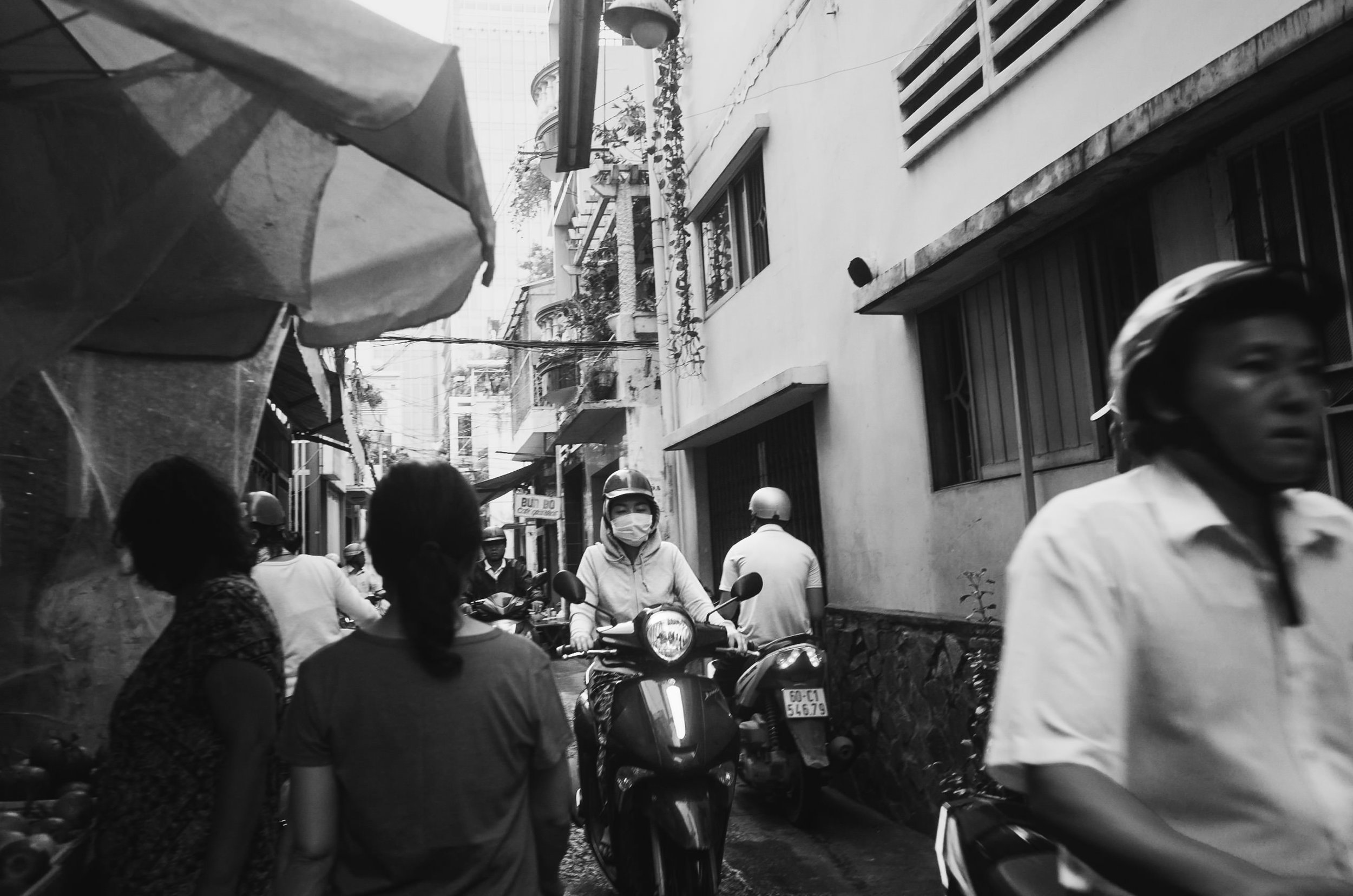

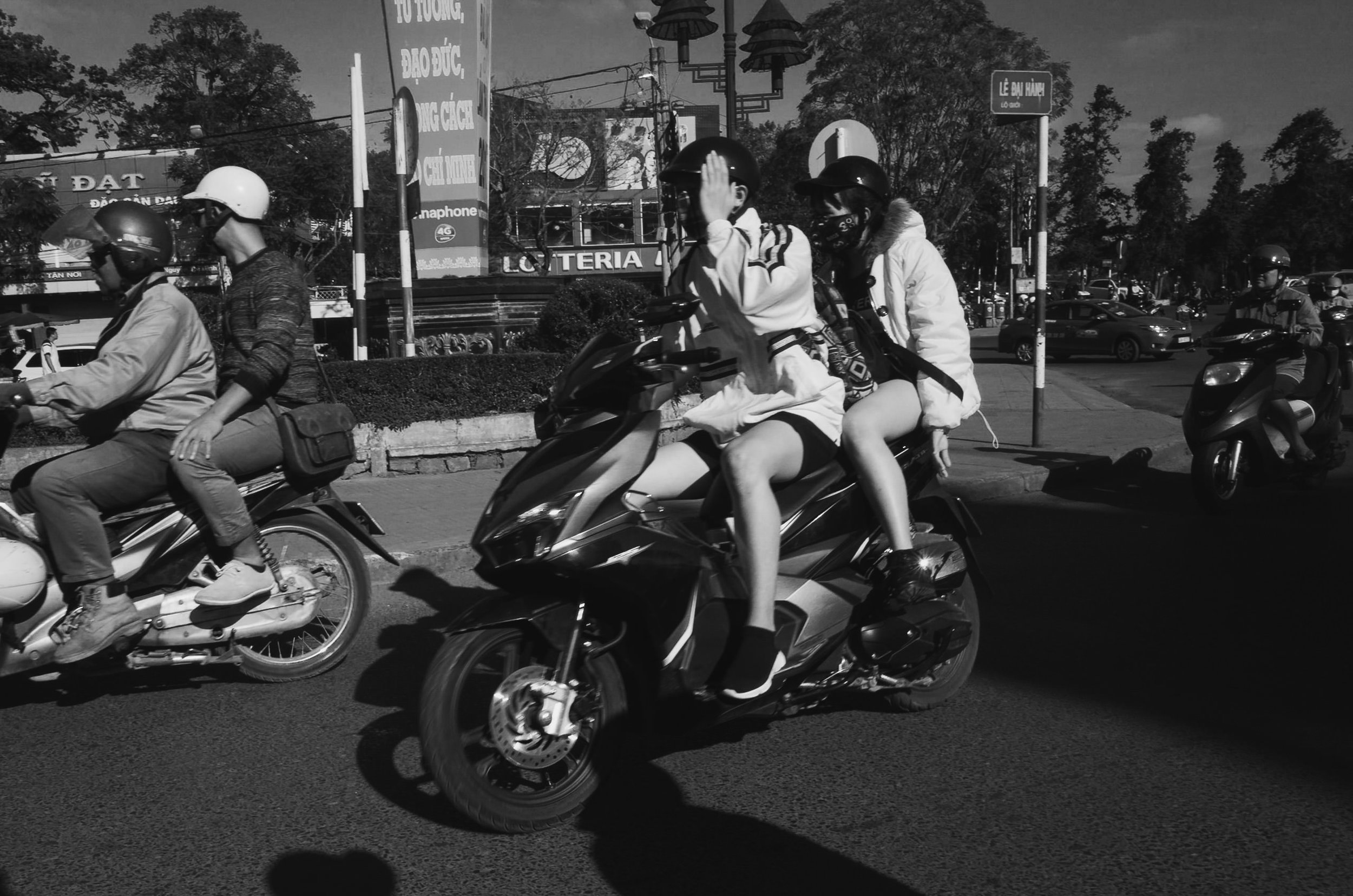
With these types of images, you need to be close. Standing from afar with a telephoto lens lacks that feeling and presence that shooting closer with a wider lens possesses. A DSLR will catch the eye of your subject or someone in your scene due to its size and “professional” appearance, thus disrupting the natural-ness of the photo. This makes it an ideal camera for stealthy and inconspicuous street photography.
The camera is small. Easily the smallest camera to feature an APS-C sensor and measures up well to it’s micro 4/3 and 1” sensor competitors. This is nearly the entire reason I added this camera to my collection.
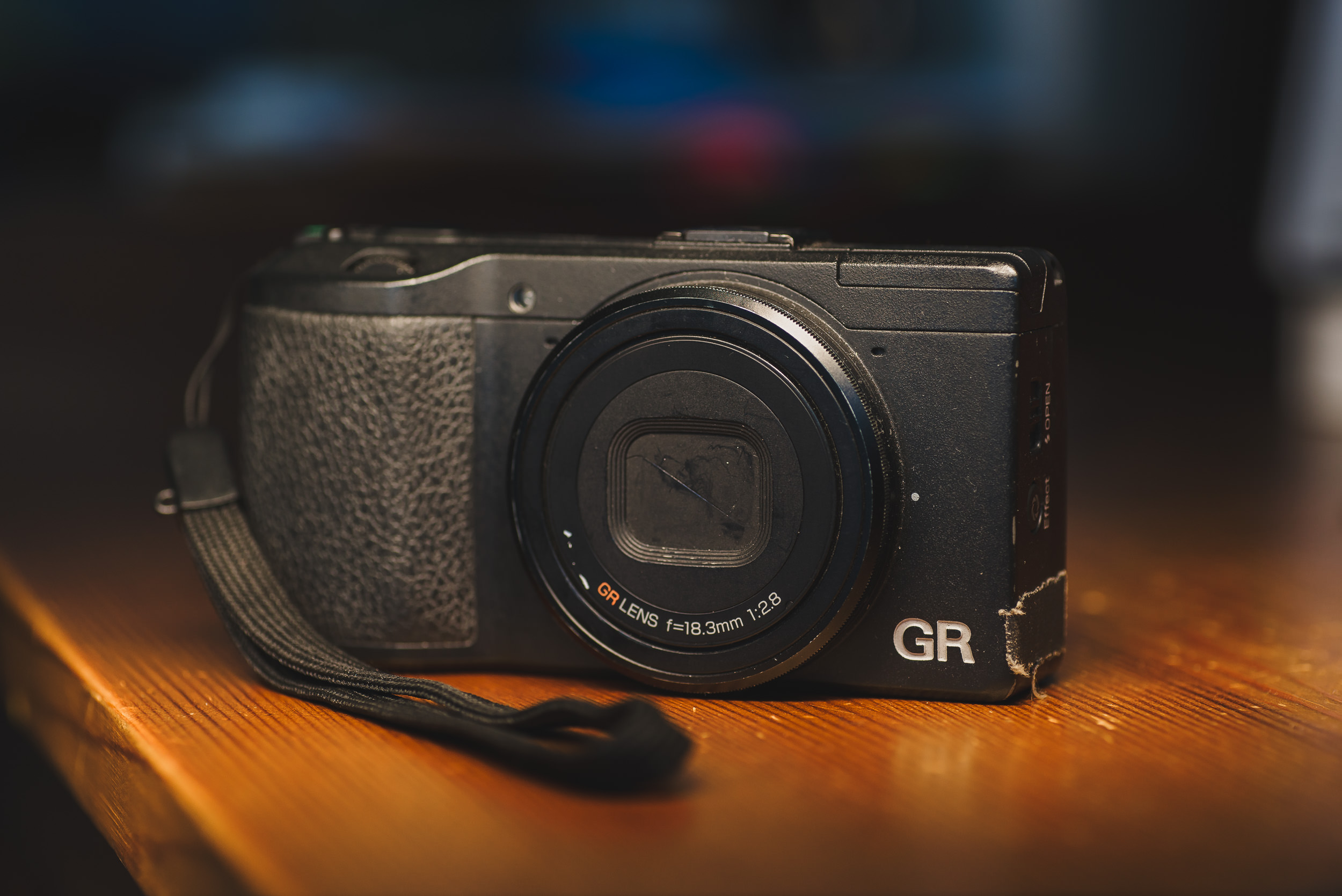
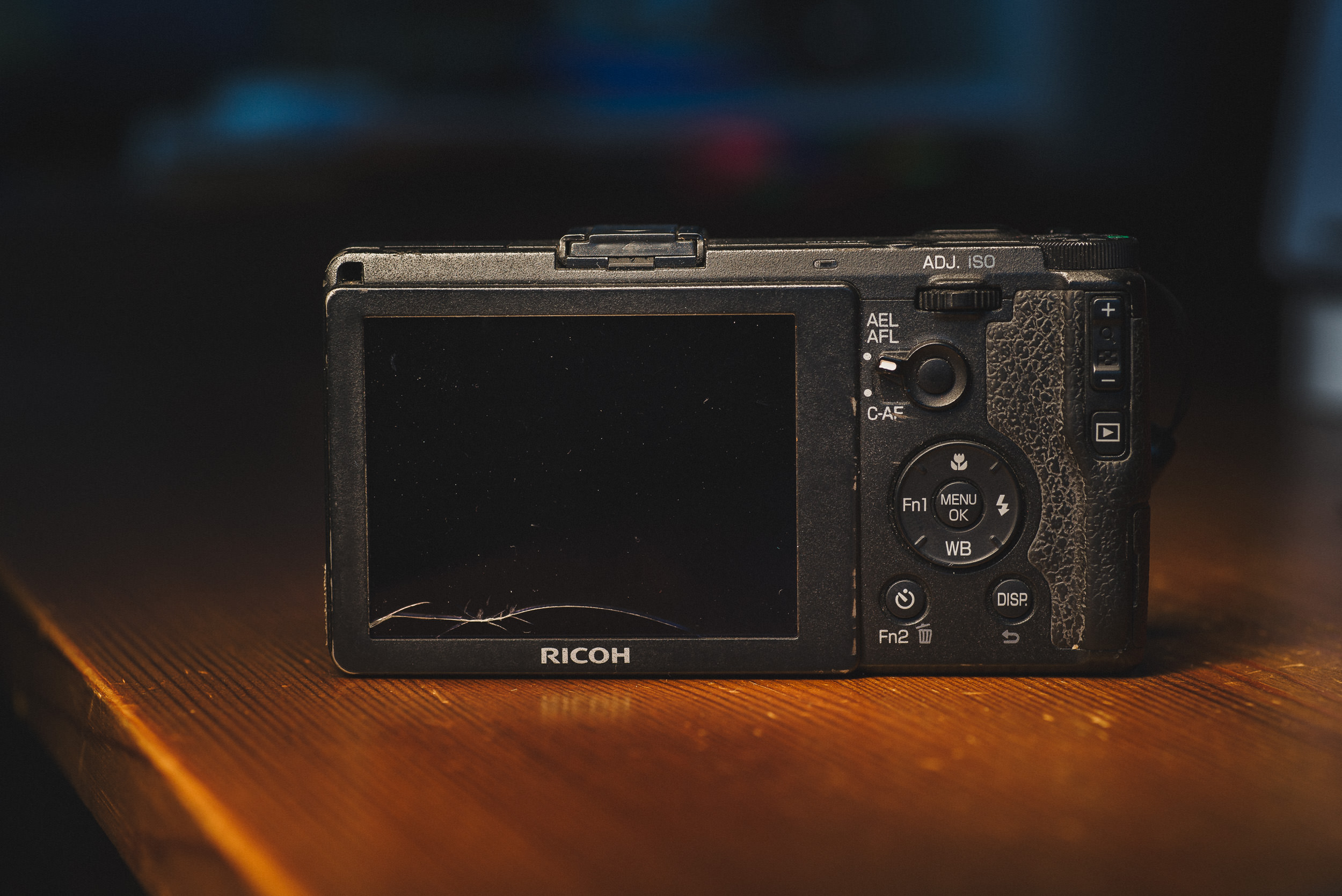
Being able to fit a powerhouse of a camera into practically any pocket is nothing short of incredible. While there are stunning cameras that are pocketable in a large jacket pocket or small purse, this is little thing will fit in all but the snuggest of jean pockets (then again, a Motorola Razr can barely fit into those). Despite it’s fairly diminutive size, it has a fairly sturdy feeling build but doesn’t feel heavy.
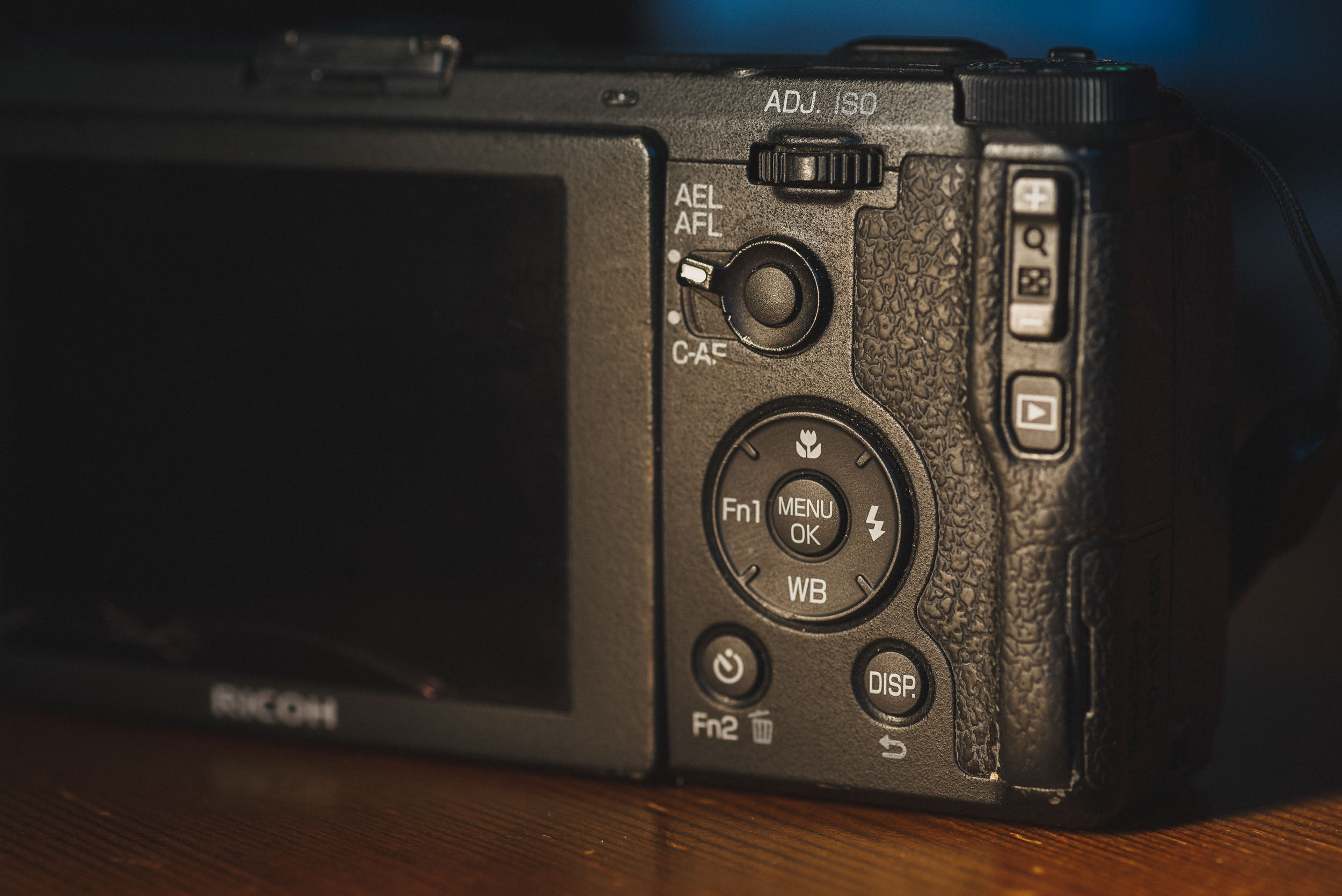
The shape of the grip is very well designed, fairly chunky and grippy, and is very comfortable to hold for long periods. The front control wheel and rear toggle/rocker/button, along with the couple of programmable function keys, allows for easy one-handed operation and control over most of the necessary settings.
Usage, Performance, & Image Quality
As mentioned above, the controls and customization are fantastic. With the front wheel, I can control my aperture (or shutter speed in Tv) and the rear rocker can be used to set my shutter speed or pressed to access a quick menu of options where I can set my ISO, change my metering mode, focus mode, enable continuous shooting, or enable a handful of bracketing options. One of my favorite features is the “One Press M Mode” feature (enabled in the menu). This feature can be set to Aperture priority, Shutter priority, or Program. I have mine set to aperture priority, which transforms the exposure compensation buttons to an “enable Aperture priority” button while shooting in M.
For example, I’m inside shooting at 1/60, f/2.8, ISO 100, I then step outside to broad daylight and my exposure is way off as I should be at 1/2000, f/2.8, ISO 100 for a proper exposure. Typically I’d click my shutter down to make up for those 5 stops (15 clicks at 1/3-stops) but with nifty feature, I just press + or – on the exposure compensation and it adjusts my shutter speed to the proper exposure as if it were in aperture priority. This makes changing between drastically different light levels a lot more manageable without the inconsistencies of using just aperture priority.

The Ricoh GR was designed with street shooters in mind, not just in its small form factor and basic appearance, but also through its rich feature set. Snap focus is a unique focusing mode that sets the lens to a pre-determined focus distance. This is perfect for street shooting since when paired with a narrower aperture like f/8, you can gauge the distance of your subjects and quickly take a photo when they fall into your focus range and not worry about hunting for focus. Predictability and reliability are things I really value for focus and snap focus definitely delivers there. You can also enable it to automatically use the pre-set snap focus when you press down your shutter all the way without focusing, so you always have snap focus at your disposal.
Not everything is perfect about the AF system, while it’s pretty accurate and offers a couple of different AF modes covering various sizes, it is almost useless when it comes to tracking a moving subject and it could perform a bit better at focusing in low light. Good AF technique helps, but focusing in dimly lit situations (~ISO1600, f/2.8, 1/60 sort of dim) can be slow and difficult.
The images it produces though are fantastic. The 18.3mm f/2.8 lens and sensor produce surgically sharp images. They might even be too sharp sometimes. Center sharpness is off the charts, while edge/corner sharpness is great at ~f/5.6.


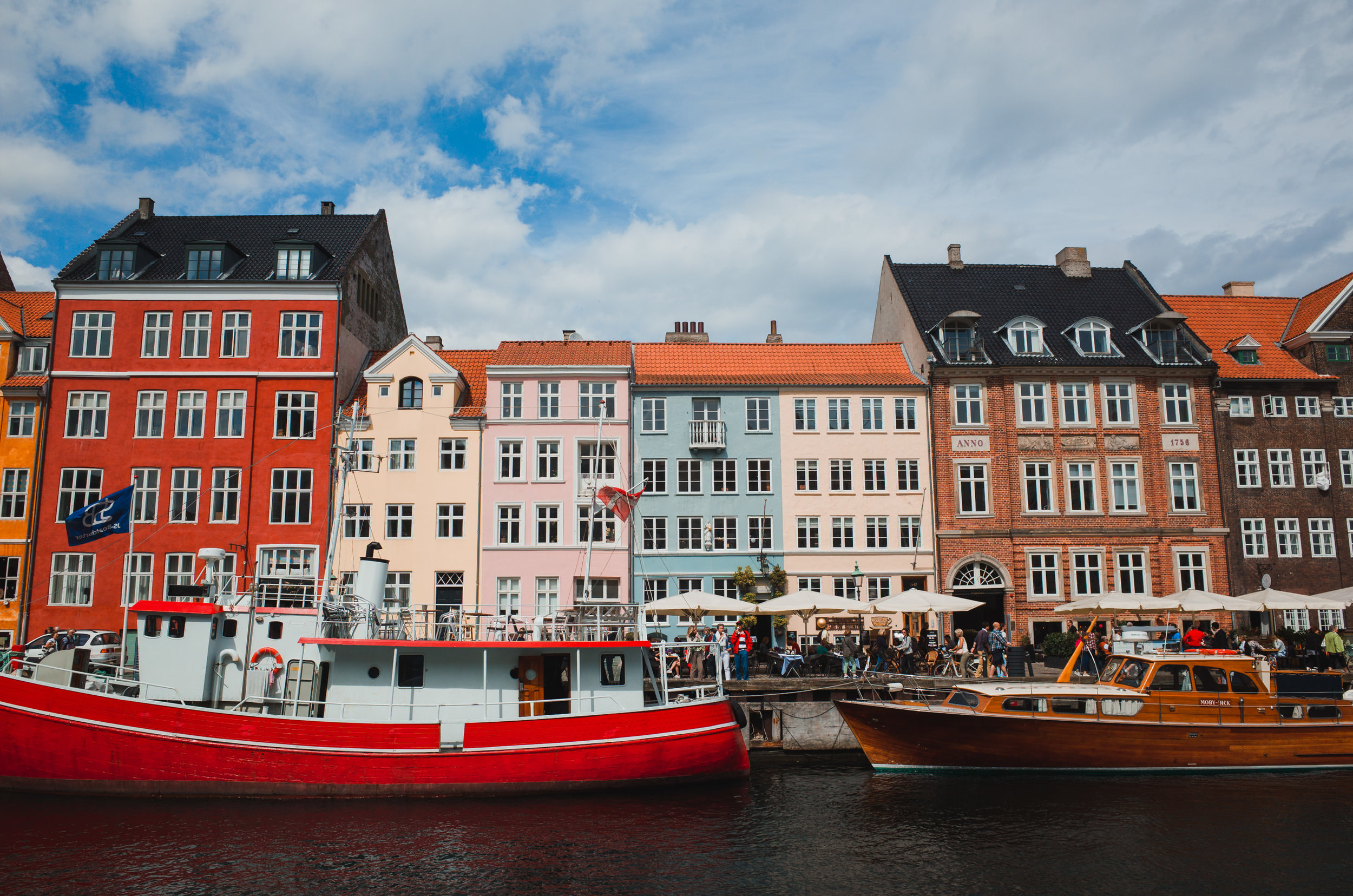


The RAW files are flexible, although a little flat and it took a bit of work before I found an edit that worked well for me. The JPEGs it produces with the Positive Film effect (slightly tweaked to give it quite a bit more color) look great right out of the camera, so I’ve developed a Lightroom preset to match them (send me a message if you're interested in it). They’re not exactly the same, but I like it that way.
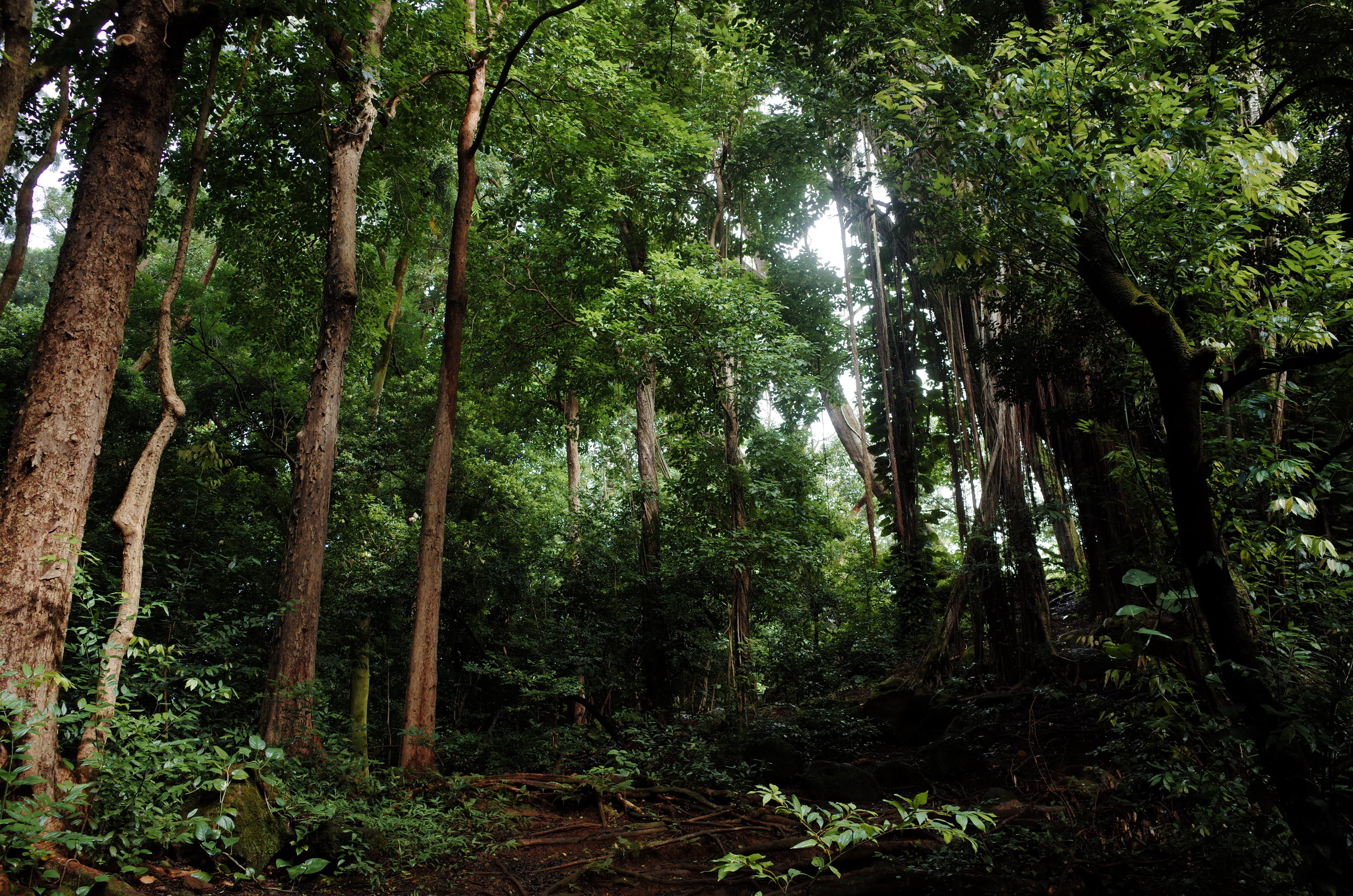

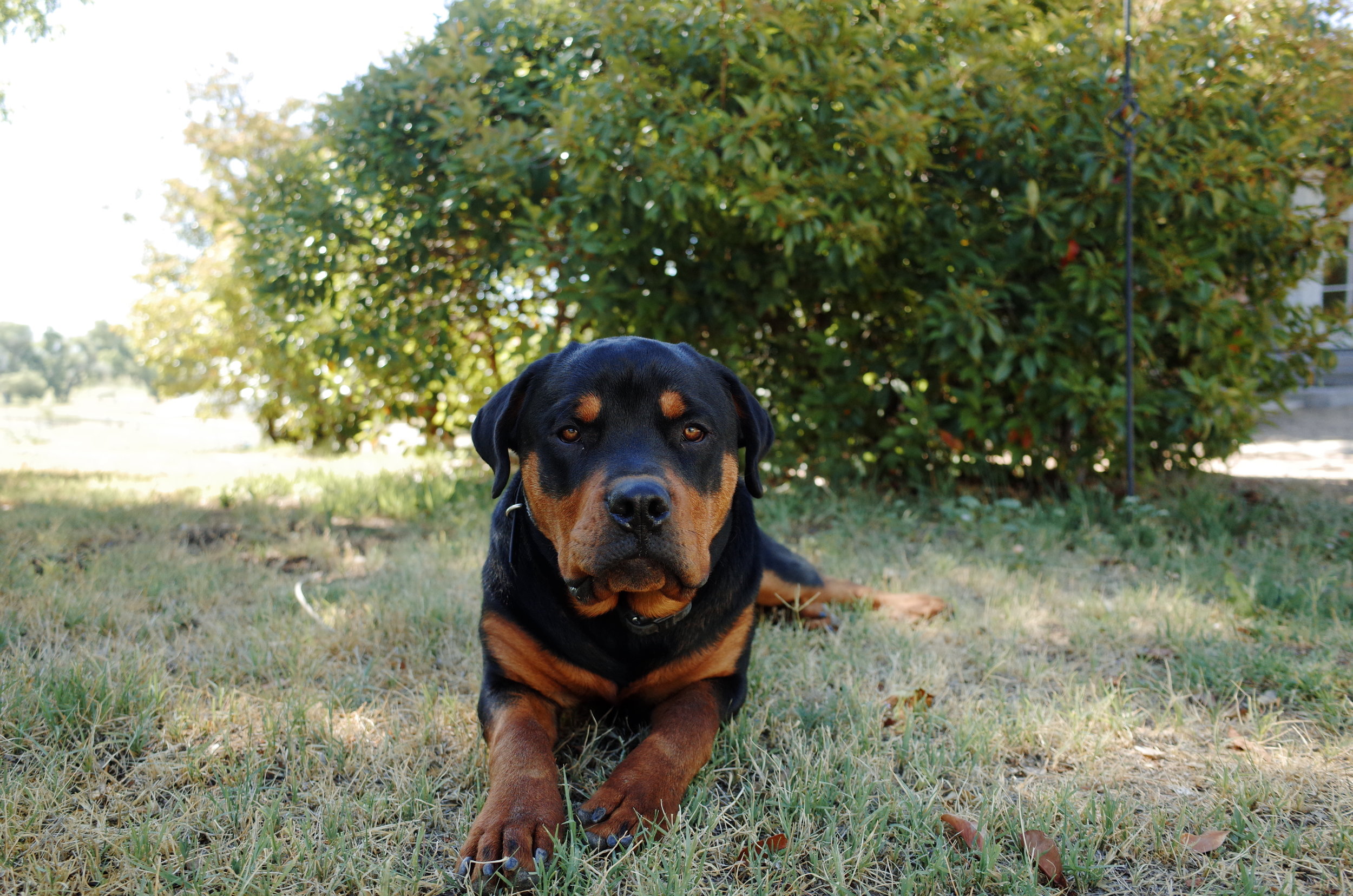
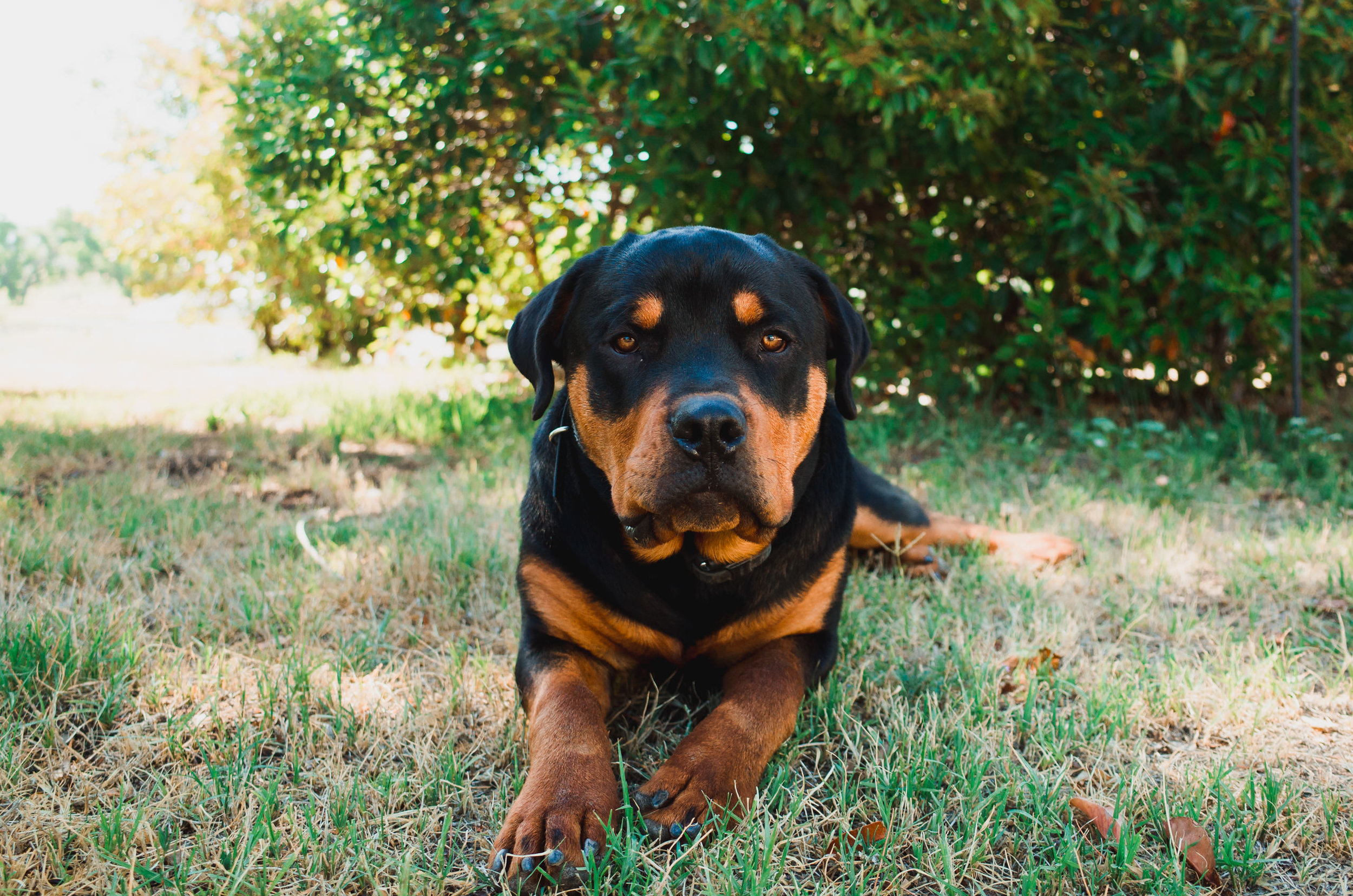
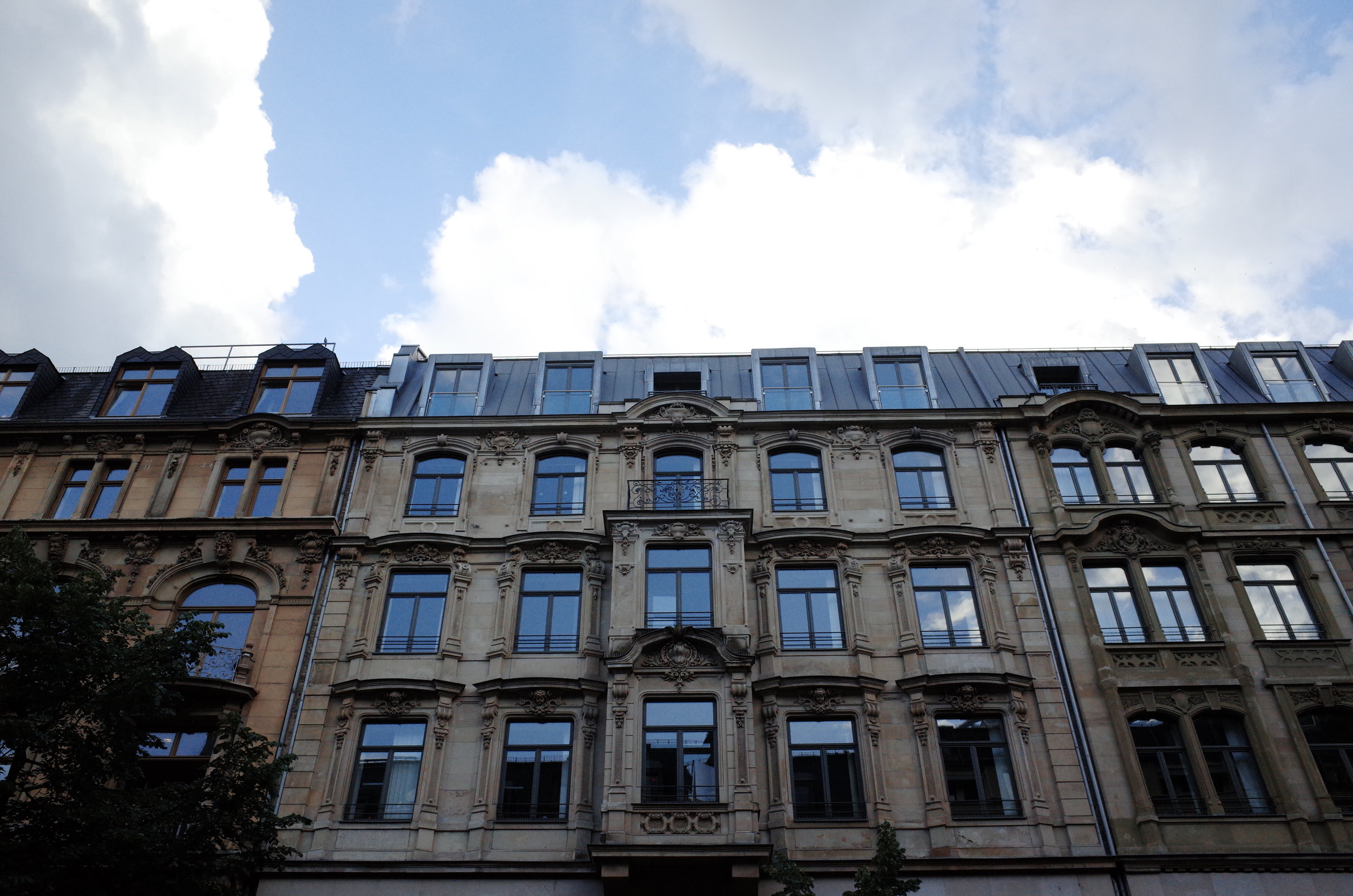
Dynamic range and ISO performance, arguably the two biggest differences between cell phones sensors and larger sensors. Dynamic range, for those who aren’t familiar, is the difference of light an image sensor can capture in a single frame. Our eyes are capable of looking through a window to a sunlit scene while still maintaining visual acuity to items indoors/in shadow, but cameras can struggle to capture such bright and dark details in a single frame. Being so accustom to the newer Nikon/Sony sensors, I frequently forget that not every RAW image has the amount of dynamic range that my D600/750/850 do, but I was pleasantly surprised with the GR’s dynamic range. I can comfortably push an exposure about 2, maybe 3 stops with minimal loss in detail. The highlights also retain well in the RAWs, even when they appear to be clipped.


Conclusion
Pros
Incredibly compact size
Affordable (especially if purchased used, where the GR II can be had for <$400)
Great image quality
Unique and useful controls
Cons
You can shoot better video with potato
The sensor, while capable, shows its age when you push the ISO
Autofocus system in low light and tracking high action is lacking
It's not winning any beauty contests
My front scroll wheel acts up sometimes, jumping from f/2.8 to f/13 then back to f/5.6.
The Ricoh GR has been a great little addition to my kit but better yet, it’s been an excellent addition to my pocket. At $550 (USD, as of July 2019) for a new Ricoh GR II, it’s a capable point and shoot and the power and size ratio can’t be beat.
If you liked this review, I'd appreciate it if you make your purchase(s) through the affiliate link below. Thanks!
More Sample Images